
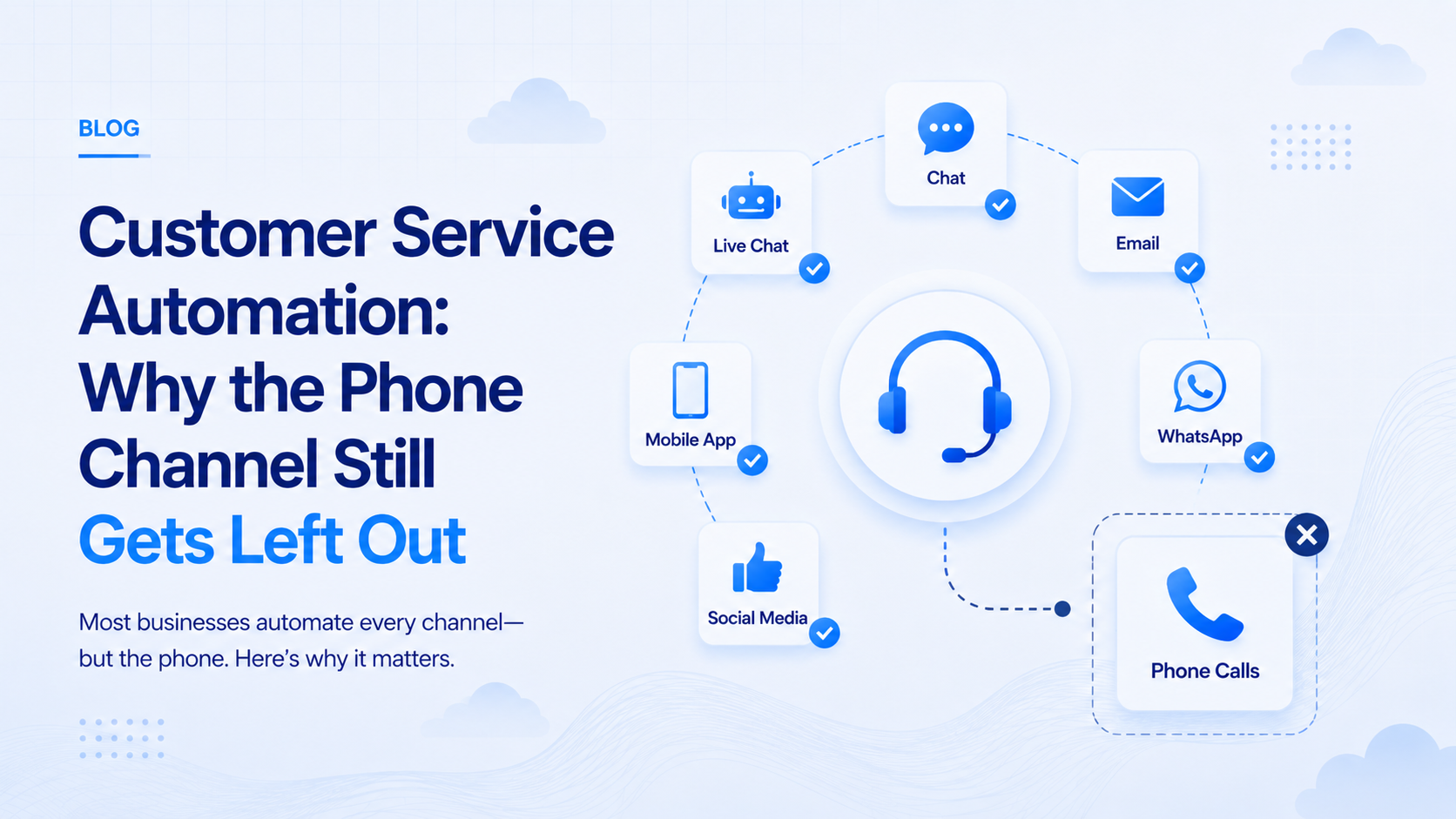
- Customer service automation guides built around chat and email routinely treat the phone as an afterthought, not a core channel.
- A system answering a real call has to hear, understand, and finish the task in seconds, not just log a ticket for later.
- A unified-inbox claim means little if the voice channel still routes to a hold queue underneath.
- Multilingual claims mean little until a caller switches to a regional language mid-sentence and the system keeps up.
Customer service automation usually means chatbots, email replies, and ticket routing, and this article looks at the channel most guides quietly skip: the phone. A missed call after 9 PM or a receptionist juggling five lines while a lead goes cold is the everyday cost of leaving that channel out of the automation plan. You will learn what a real automated system actually needs to do on a live call, where unified-inbox promises quietly exclude voice, and what changes when the technology behind it has to work in Hindi or Tamil instead of English. Read on before you automate everything except the channel your customers actually use most.
Where Most Customer Service Automation Guides Stop Short
Most customer service automation content is written by companies selling chat widgets and help-desk software, so the examples lean toward tickets, macros, and canned email replies. Phone support gets a paragraph near the end, usually about call routing, rarely about a system that can hold an actual conversation. That gap matters more in India, where a large share of customer contact still happens by ringing a business directly rather than opening a support chat.
A guide that treats voice as an afterthought is really only covering half the customer service automation a business actually needs, and the half it skips happens to be the one carrying the most call volume for most Indian companies. Chat and email automation matured first because text is easier to log, search, and measure, so an entire industry of tooling grew up around those channels while voice stayed manual. Businesses that limit their customer service automation to text end up with a strange result: their fastest-growing support channel is the one nobody bothered to speed up.
What Automated Customer Service Looks Like on an Actual Phone Call
A support ticket can sit for an hour with nobody noticing, but a phone call cannot, which makes customer service automation on a live line a different problem entirely. The caller needs a response in seconds, not a queue position, and the system has to get the whole interaction right in one pass rather than through a back-and-forth thread. A chat widget can afford to pause and think for a moment; a caller on the other end of a phone line notices every second of silence and often hangs up before a slow system finishes processing.
- It hears without a menu. The caller speaks a full sentence, not a keypad option, and the system transcribes it correctly the first time, even over a patchy mobile signal.
- It understands the real request. Intent gets matched to your business's actual answers, not a scripted decision tree that dead-ends on anything unexpected.
- It finishes the task. A booking, a refund status, or an order update lands in your system before the call ends, not in a transcript nobody reads later.
- It escalates cleanly. A caller who needs a person gets handed off with context, not a repeat of their whole story from the beginning.
None of this is exotic technology; it is the same standard most businesses already expect from customer service automation on chat, just applied to a channel that has been left out of the conversation for years.
Omnichannel on the Slide Deck, One Channel in Practice
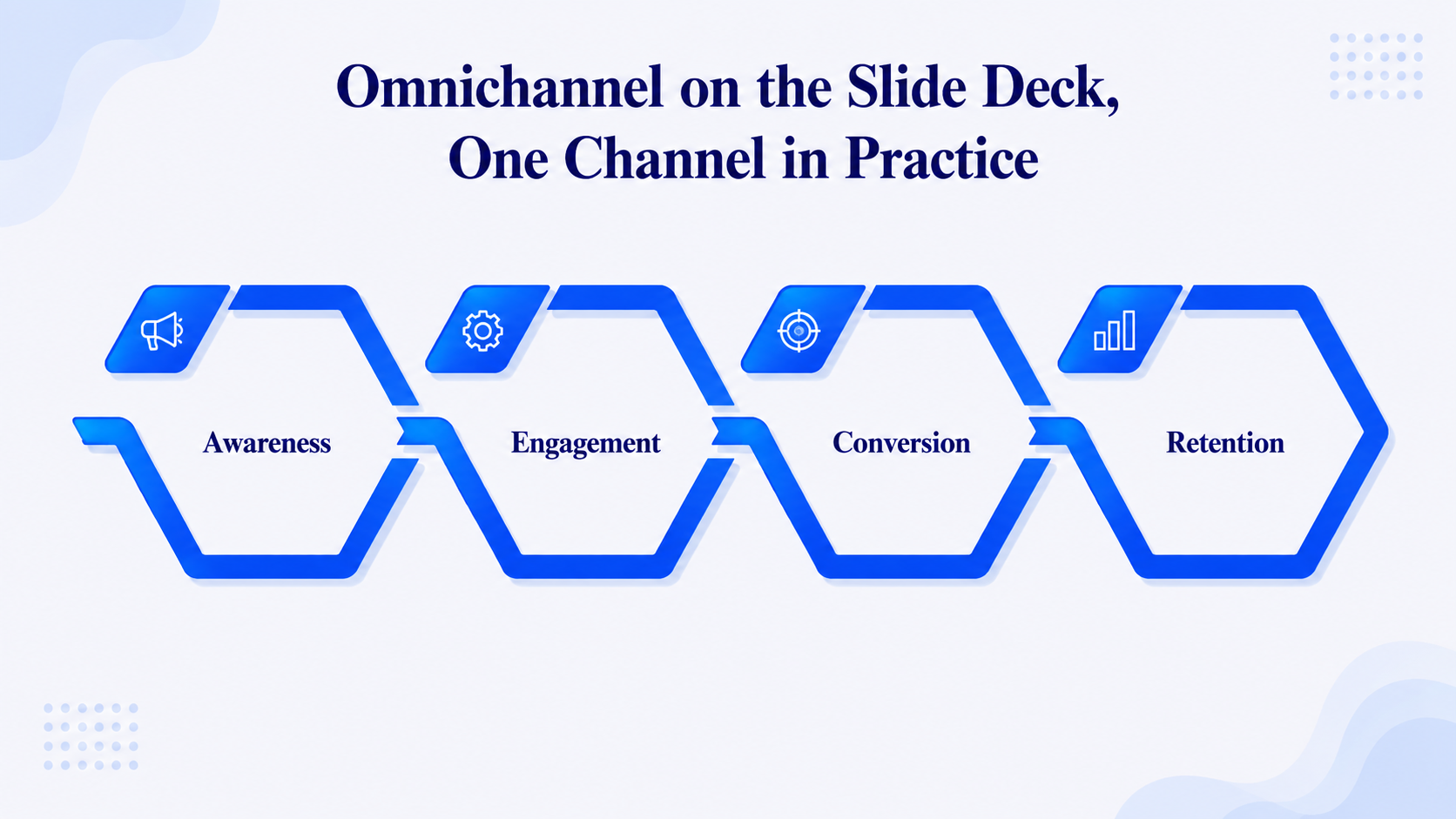
Vendors sell omnichannel customer service as a single unified inbox across chat, email, and social media, and that pitch is genuinely useful for text-based channels. What the pitch quietly skips is that a phone call is not a message sitting in a queue; it needs a live, real-time response the moment it connects, which most unified-inbox platforms were never built to automate.
The result is a dashboard that looks unified while the phone still rings through to a human or an old-fashioned IVR menu underneath. A support lead can point to a single screen showing every chat and email thread and still have no answer for what happens to the fortieth call of the day, because that channel was bolted on rather than designed in from the start. Real omnichannel coverage treats voice as equally automatable as chat, not as the one channel still waiting for its turn, and 9278.io was built specifically to close that gap rather than bolt voice onto a text-first product. Genuine customer service automation covers every channel a customer actually uses, not just the ones that were easiest to build first.
Can Artificial Intelligence Customer Service Handle a Language Switch Mid-Call?
Every vendor in this space claims multilingual support on its homepage, and few of them show a live call where a caller switches from Hindi to English halfway through a sentence. That switch is common on Indian calls, and a system that only handles one language cleanly will stall exactly when it matters most, repeating itself or asking the caller to start over in a single fixed language.
9278.io supports 10+ Indian languages, including Hindi, Tamil, Telugu, Bengali, Marathi, and Punjabi, built for that kind of mid-call switch rather than a dropdown list nobody actually tests. A features page listing ten languages says nothing about whether any of them were tested against a real regional accent or a sentence that mixes two languages at once, which is exactly how most Indian callers actually speak. Read our breakdown of a Hindi voice agent handling exactly this scenario before assuming any platform's language claim survives a real conversation. Language depth is not a checkbox feature; it decides whether a caller feels understood or gives up and hangs up partway through.
The Compliance Layer Most Automation Platforms Never Mention
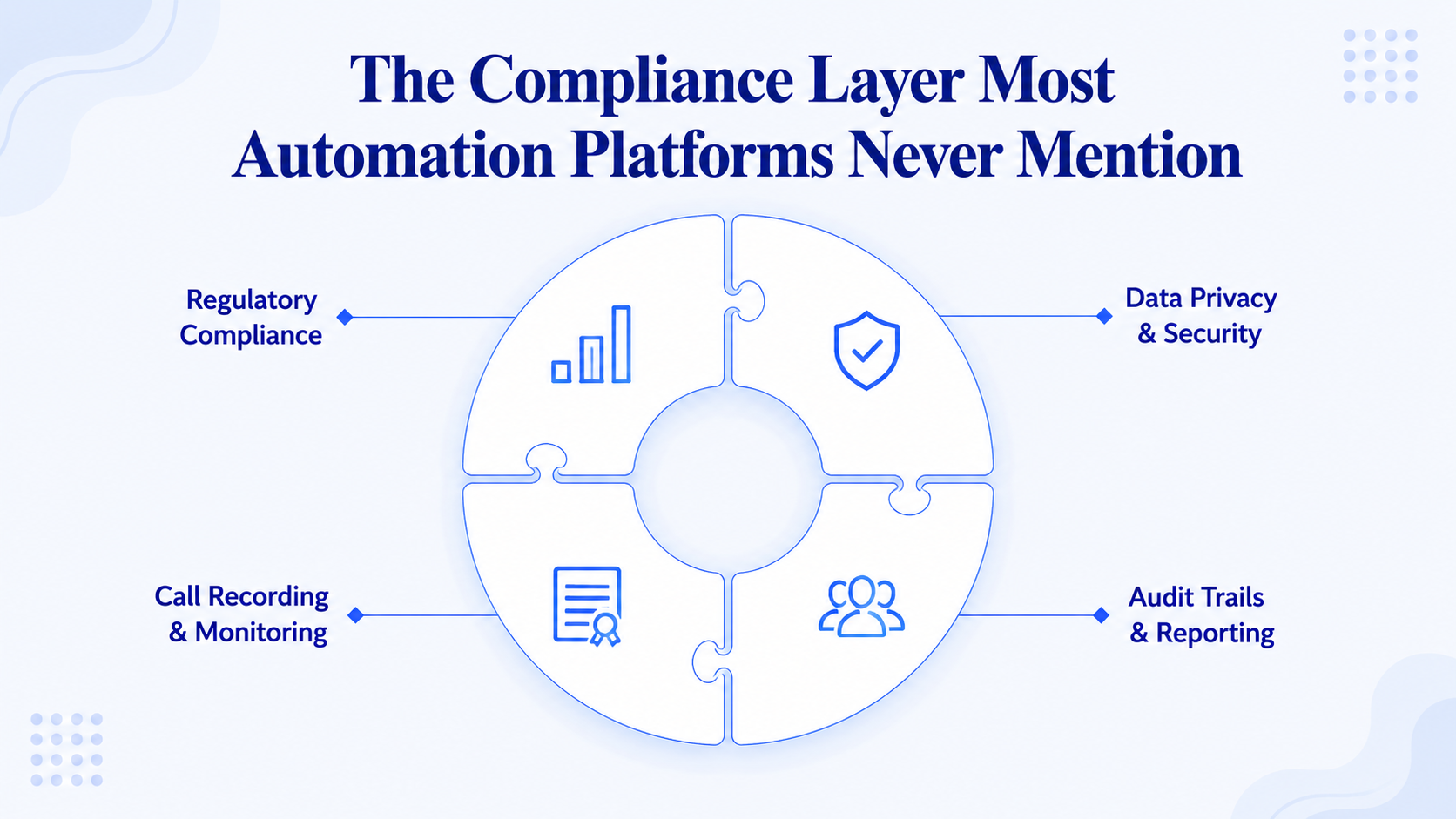
Automating inbound calls is the easy half of the compliance story, since nobody objects to a business answering its own phone. The moment that same customer service automation places an outbound call, a reminder, a follow-up, a payment nudge, Indian telecom rules treat it the same way they treat a promotional call, and most global automation guides never mention this because it does not apply to their home market.
- Recorded consent. The customer must have agreed to that category of call before it goes out.
- Registered sender identity. The number placing the call has to be traceable back to your business by name.
- TRAI-compliant calling windows. Outbound calls stay inside permitted hours rather than whenever convenient, per TRAI guidelines.
- DND-aware framing. A number on the do-not-disturb list still needs a transactional tone, not a promotional one.
9278.io builds all four of these checks into outbound calling by default, rather than leaving a business to configure them one by one after the fact.
A Week Inside Customer Service Automation That Actually Works
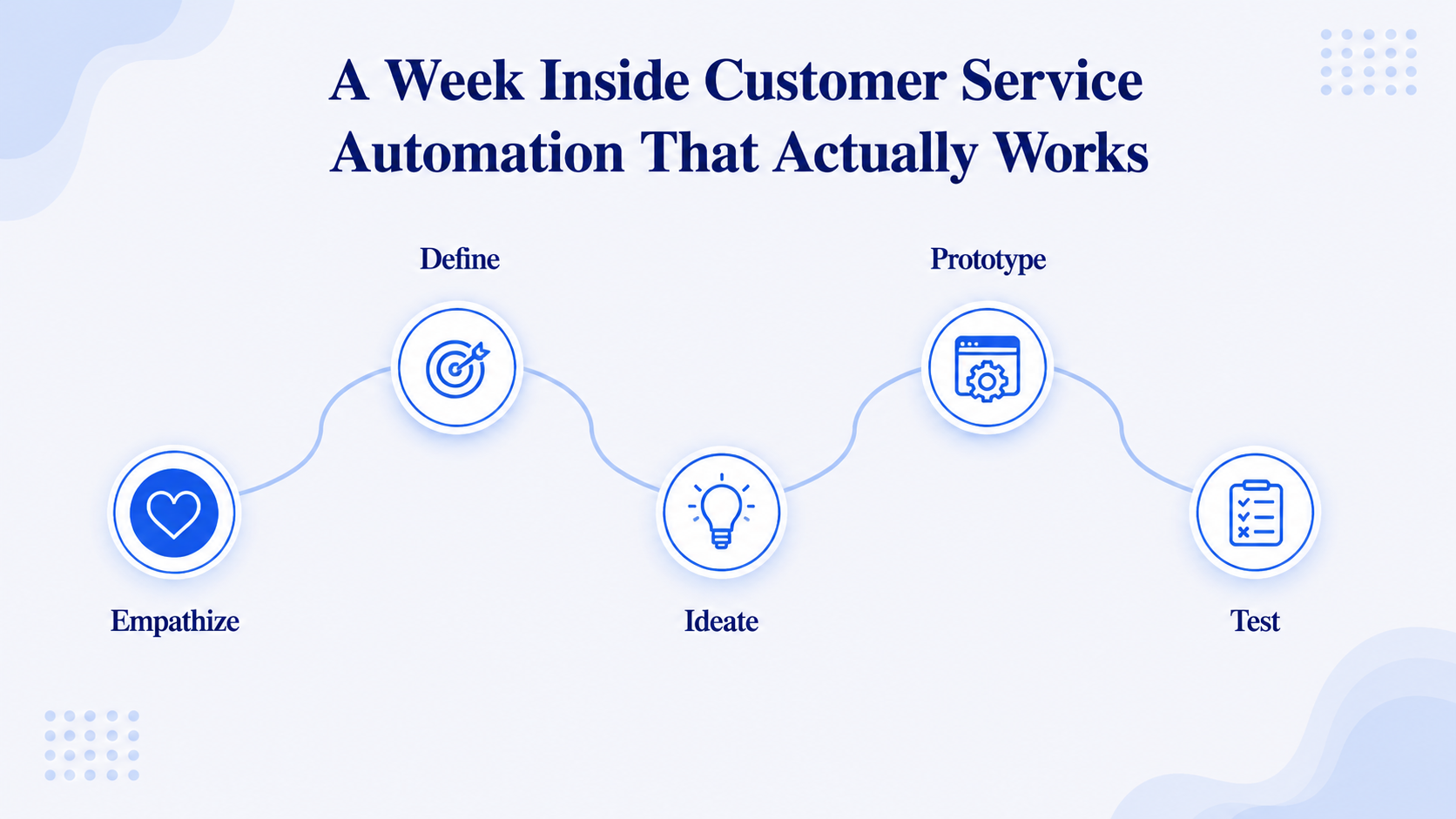
The first week of running real customer service automation rarely goes exactly to plan, and that is normal rather than a sign it failed. Teams usually discover their own published timings were wrong, two staff members quoted different prices, and nobody had written down what happens when a caller asks for a refund. None of that is the software's fault, and all of it was already costing the business calls long before any automation arrived to expose it.
That discomfort is useful, because those gaps were already costing calls before any automation arrived to expose them. Read transcripts daily during that first week, fix the answers that fumbled, and resist judging the whole system on day two, since most teams see it settle within two weeks once their own answers get sharper. By the second week, the conversation shifts from whether the customer service automation works at all to which specific answers still need tightening, which is a far more useful place to be.
Conclusion
Customer service automation only covers the ground it claims to when the phone channel gets the same attention as chat and email. Automated customer service on a call needs to hear, understand, and finish a task in seconds, and an omnichannel customer service claim means little if voice still routes to a queue underneath. Artificial intelligence customer service that cannot follow a caller switching languages mid-sentence is not actually ready for an Indian call volume, and TRAI's rules apply the moment that automation dials out on its own. 9278.io was built around all four of those gaps, with per-second billing, 10+ Indian languages, and TRAI-compliant calling as defaults rather than add-ons, so test it against your own real call volume before judging any platform on its feature list alone.
Ready to see it on your own calls?
9278.io answers every call in the caller's own language, with TRAI-compliant, per-second billed calling built for Indian businesses.
Start free trial